Black Belt Text-Fu
This is the Advanced Text-Fu section from Linux Journey
Regex (Regular expression)
Regular expression is a tool that uses special notations as an universal language with almost any programming language.
1
2
3
4
5
6
7
8
9
10
11
12
13
14
15
16
17
18
19
20
21
22
23
24
25
26
27
28
29
30
31
32
33
34
35
# create a file with two lines string like this
$ echo "sally sells shells\nby the seashore" > sample.txt
$ cat sample.txt

# result:
sally sells shells
by the seashore

# ^ looks for beginning of a matching line
$ grep ^by sample.txt
# result:
by the seashore

# $ looks for ending of a matchining line
grep seashore$
# result:
by the seashore

# . looks for any matching single character
grep b. sample.txt
# result:
by the seashore

# [ ] specify characters found within bracket
# there are many tricks inside bracket notations
# [iou] looks for anything that has iou in between
$grep d[iou]g sample.txt

# [^i] excludes anything that has i in between
$grep d[^i]g sample.txt

# [a-c] looks for anything from a to c in between
# bracket notations are case sensitive, so might need to use [A-C]
$grep d[a-c]g sample.txt
Text Editors
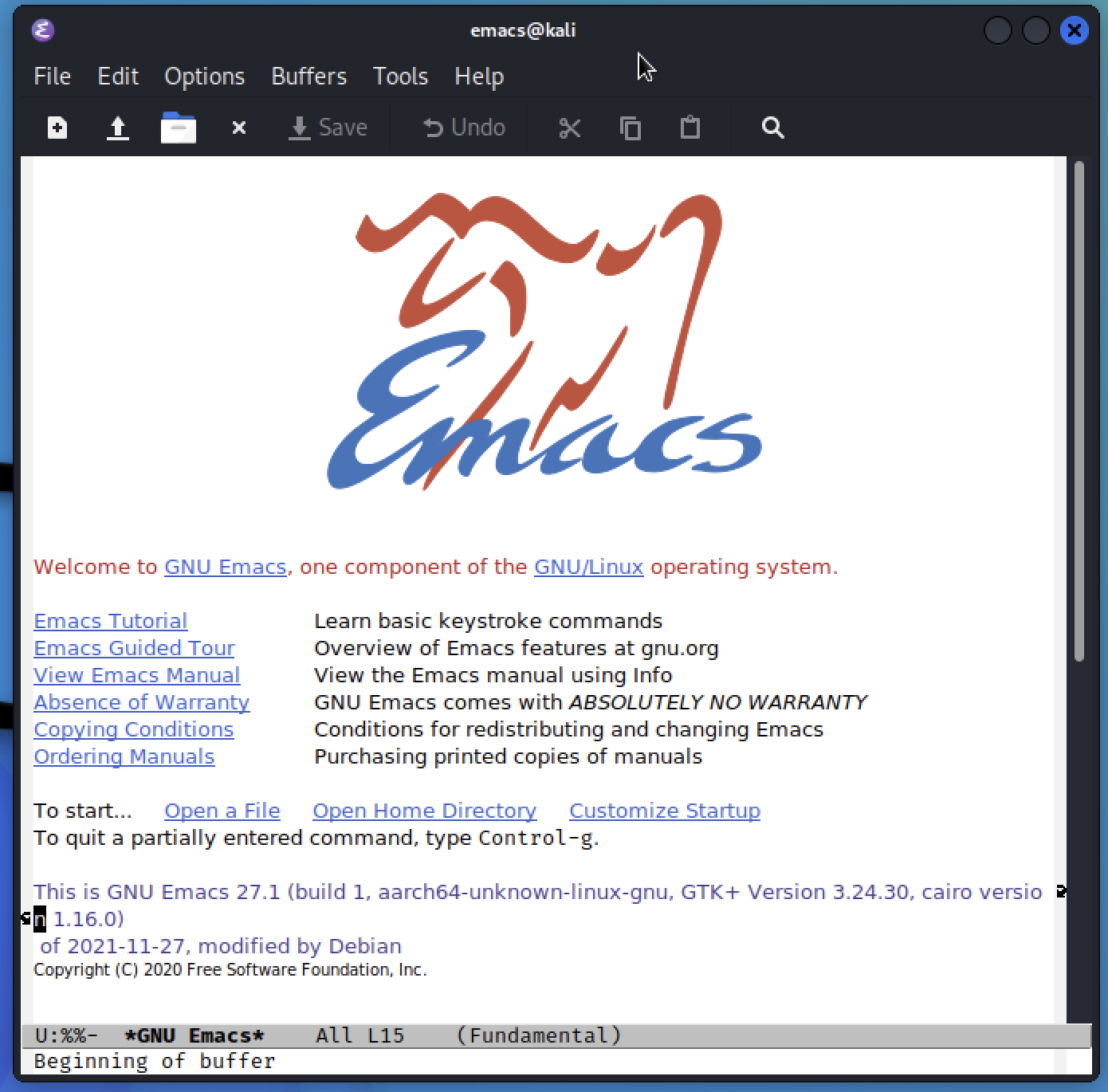
Vim and Emacs are recommended by Linux Journey. I like to use nano. It would be useful to know VIM because it is sometimes default in some programs and applications like .git.
| vim | emacs |
|---|---|
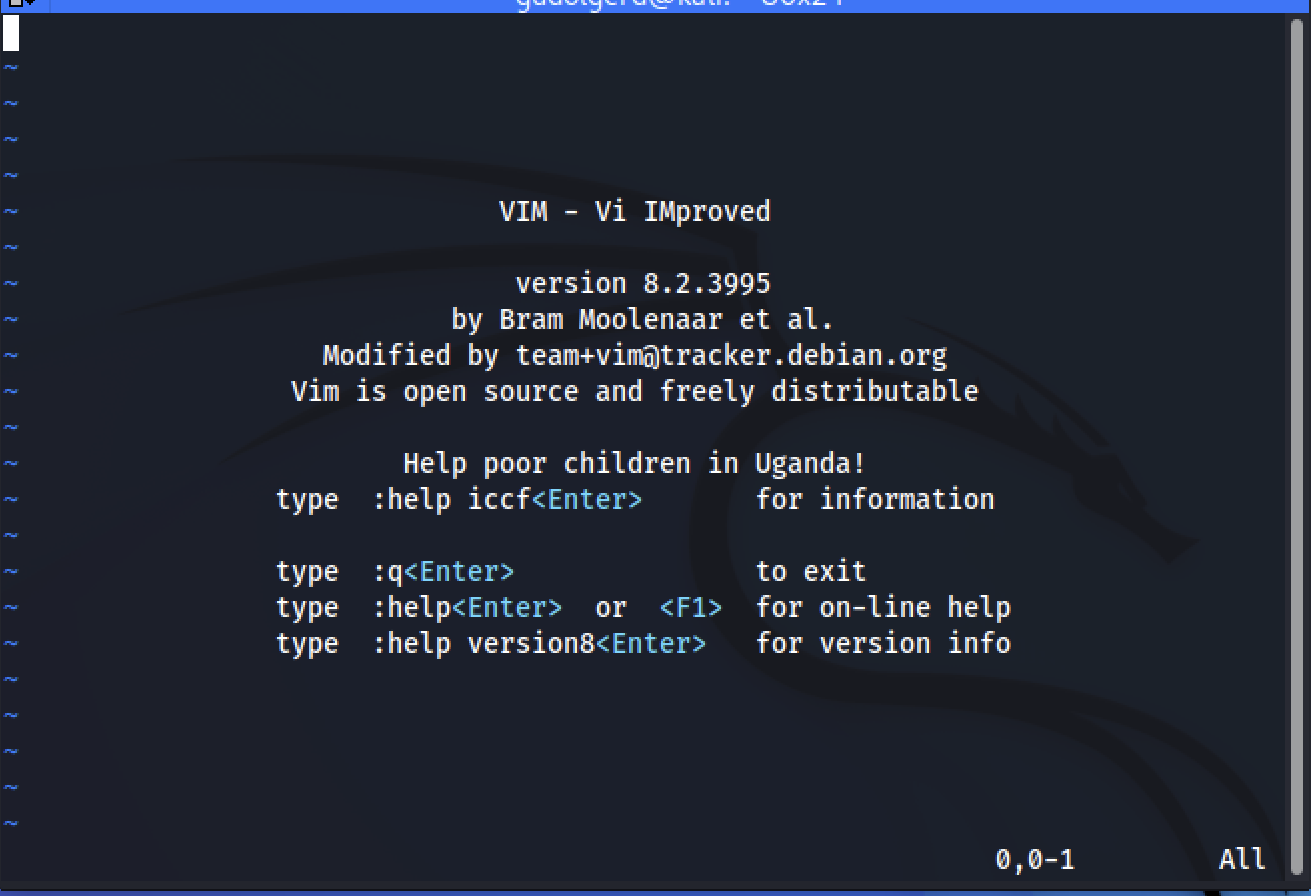 |  |
Vim, short for vi + IMproved
I didn’t know there’s a text editor vi, but apparently Vim is the improved version. Gonna play with vim for awhile and using the same sample.txt from previous exercise.
1
2
3
4
5
6
7
8
9
10
11
12
13
14
15
16
17
18
19
20
21
22
23
24
# type colon key --> : literally in the vim to start something
# :e is what opens a file, I am guessing e for execute
:e sample.txt

# you will see
sally sells shells
by the seashore

# Try navigate by using
# h, j, k, l == left, up, down, right
# not a clockwise ¯\_(ツ)_/¯

# can feel like stuck inside vim, no clue of how to exit or whatever
# type ":" and you will see it on the bottom, type h
# it calls vim's very own "help.txt", and navigate with h, j, k ,l.
:h

# i find myself using this often
# short for "write"/(save) and "quit"
:wq

# too much, and it has its own tutorial for beginner, I will do that!
# let's exit by doing this
:qa!
Often will need to use :wq, which is short for “write”/(save) and “quit”.
After looking into help, I realize vim has its own tutorial. I think I am going to do a post on vim alone and same with emacs. It is too much to cover in this post. Linux Journey did great by recommending these text editors and highlights.